The SteelSeries Apex Pro TKL Gen 3 pairs a tenkeyless layout with adjustable OmniPoint 3.0 magnetic switches and game-focused input controls.
This steelseries apex pro gen 3 review looks at who may benefit from its configurable actuation and where its specialized features matter most.
Apex Pro TKL Review Summary
The quick verdict
500+ ratings
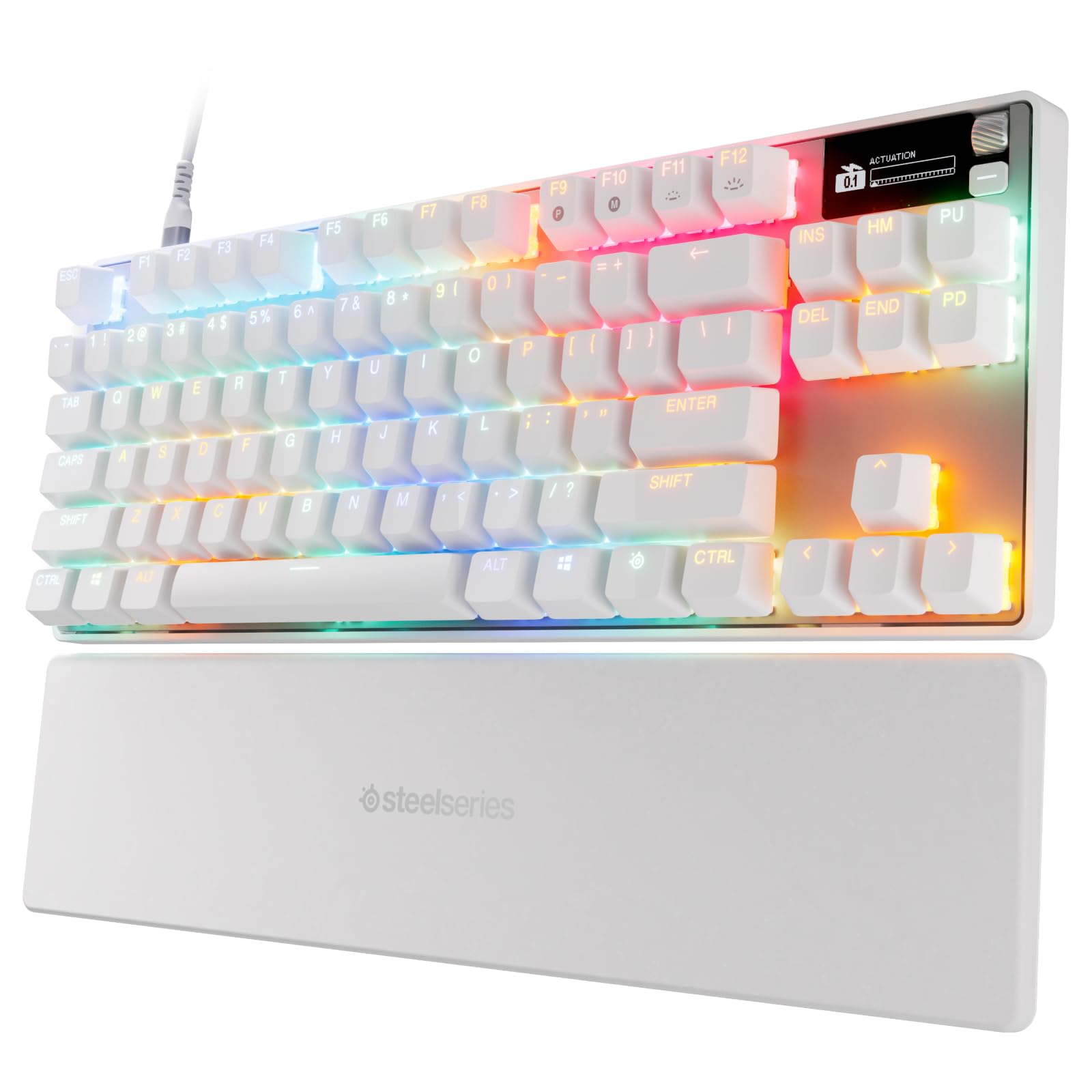
Read Amazon ReviewsSteelSeries Apex Pro TKL Gen 3
A compact wired gaming keyboard for players who want adjustable magnetic switches and quick access to game-specific input settings.
- Tenkeyless wired gaming keyboard with USB-C connectivity.
- OmniPoint 3.0 analog magnetic Hall Effect switches.
- 40 adjustable actuation levels, spanning 0.1 mm to 4.0 mm.
- Rapid Trigger is designed to reset when a key is released.

Pros
- Wide actuation adjustment gives players room to tailor how keys register.
- Rapid Trigger and Rapid Tap focus on fast repeated inputs and directional changes.
Consider before buying
- Its specialized input controls may be unnecessary for players who mainly want a straightforward keyboard.
- The TKL layout omits a number pad, which may be inconvenient for frequent data entry or number-heavy work.
Read the full review summary
The Apex Pro TKL Gen 3 is built around input customization: its magnetic switches offer 40 actuation levels from 0.1 mm to 4.0 mm, while Rapid Trigger and Rapid Tap are designed to respond to key movement and the latest press.
Quickset auto-presets and an onboard OLED display add ways to manage settings without leaving a game.
That combination suits players who want to tune key response for different games and are willing to spend time setting up profiles.
Its tenkeyless form leaves out the number pad, so it may also work for a desk where mouse space matters; buyers who prefer a simpler keyboard may not need its specialized controls.
The buying factors
Apex Pro TKL Scorecard
Editorial scores reflect listed features and buyer fit; they are not laboratory measurements or customer ratings.
Input customization
Forty actuation levels across a 0.1 mm to 4.0 mm range offer substantial adjustment.
Competitive input features
Rapid Trigger and Rapid Tap target fast resets and movement-focused key behavior.
Profile convenience
Quickset auto-presets and saved onboard configurations are intended to simplify switching between setups.
On-keyboard controls
The OLED display provides a way to change settings directly on the keyboard.
Layout practicality
The TKL layout saves the number-pad footprint, though buyers who use a numpad may miss it.
Ease of use
The feature set is rich, but choosing and managing input settings may take more attention than a basic gaming keyboard.
Key Features and Specifications of Apex Pro TKL
- Tenkeyless wired gaming keyboard with USB-C connectivity.
- OmniPoint 3.0 analog magnetic Hall Effect switches.
- 40 adjustable actuation levels, spanning 0.1 mm to 4.0 mm.
- Rapid Trigger is designed to reset when a key is released.
- Rapid Tap prioritizes the latest key press for movement inputs.
- Quickset auto-presets can launch game-specific configurations when a game loads.
- OLED smart display for direct setting changes, with configurations saved onboard.
Pros and Cons of Apex Pro TKL
Pros
- Wide actuation adjustment gives players room to tailor how keys register.
- Rapid Trigger and Rapid Tap focus on fast repeated inputs and directional changes.
- Quickset auto-presets are designed to make game-specific configuration easier to access.
- The OLED display and onboard saved configurations reduce the need to leave a game to manage settings.
Consider before buying
- Its specialized input controls may be unnecessary for players who mainly want a straightforward keyboard.
- The TKL layout omits a number pad, which may be inconvenient for frequent data entry or number-heavy work.
- Actuation levels and game presets can require setup time before they fit a player's preferences.
Who Should Buy Apex Pro TKL?
Good fit
Consider the Apex Pro TKL Gen 3 if you play games where quick repeated inputs and movement timing are central to your preferred control style.
Rapid Trigger is designed to reset when a key is released, while Rapid Tap focuses on the latest key press; those options make the keyboard especially appealing to players who want to experiment with input behavior.
It is also a fit if you want different configurations for different games. Quickset auto-presets are designed to launch profiles when a game loads, and the OLED display provides direct access to settings.
The onboard configuration storage can be useful for keeping those choices available without leaving the game.
Before buying, think about whether you will use adjustable actuation and the number-pad-free layout. If both align with your routine, the combination of magnetic switches and dedicated configuration tools gives the keyboard a clear purpose.
Who should skip it
Choose another layout if you rely on a dedicated number pad for work or regular number entry.
Skip the extra input controls if you do not expect to adjust actuation, use game profiles, or benefit from Rapid Trigger and Rapid Tap; a simpler keyboard may be easier to manage.
SteelSeries Apex Pro TKL Gen 3 Review: What Its Controls Mean
Adjustable actuation for different games
The 40-level adjustment range, from 0.1 mm to 4.0 mm, gives players a way to set how much key travel they prefer before actuation.
That flexibility can help when one game calls for a different feel from another, but the useful setting depends on the player and the game. The range is a configuration option, not a guarantee of faster play.
Rapid Trigger and Rapid Tap focus on movement
Rapid Trigger is designed to reset a key as soon as it is released, and Rapid Tap is designed to prioritize the latest press. These controls target players who make quick repeated or opposing movement inputs.
Their value depends on whether those behaviors are part of the games a buyer plays and the way they prefer to control them.
Profiles and the OLED display
Quickset auto-presets are intended to load configurations when a game starts, while the OLED display provides on-keyboard setting access. Together with onboard saved configurations, these features can make a multi-game setup more convenient.
Buyers should consider whether they will actually maintain separate profiles, since the benefit is smaller for someone who keeps one configuration.
A compact layout with a clear tradeoff
The TKL layout removes the number pad, reducing the keyboard's footprint on the desk. That can leave more room for mouse movement, but it also changes how number-heavy tasks are handled.
Consider your work as well as your games before choosing a tenkeyless board.
Alternatives to Apex Pro TKL
Computer Keyboards alternative
8,000+ ratings
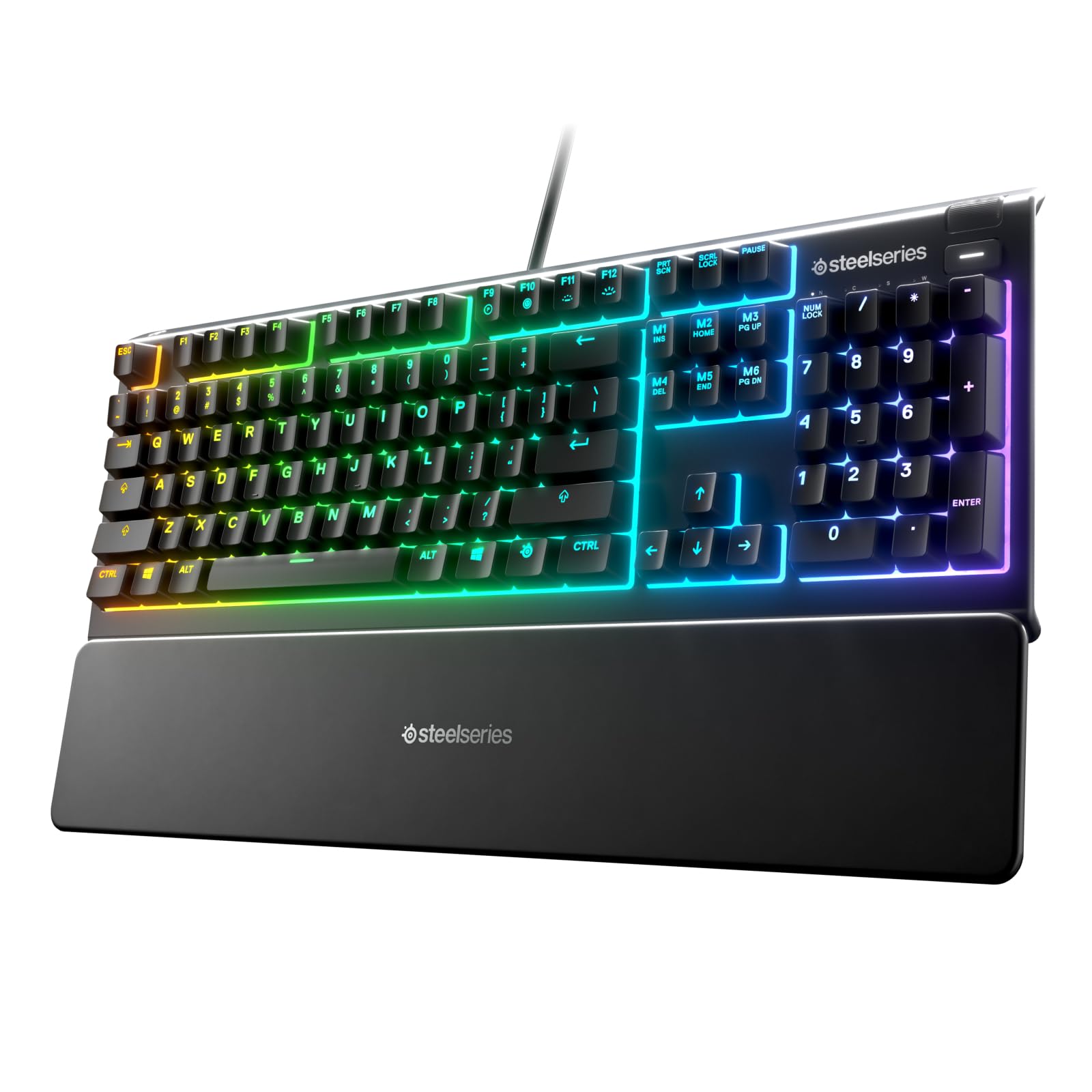
Read Amazon ReviewsSteelSeries Apex 3
Consider the Apex 3 if quiet operation, a wrist rest, and dedicated media controls matter more to you than adjustable magnetic actuation and the Apex Pro's specialized input features.
- The Apex 3 has whisper-quiet gaming switches, ten-zone RGB, a magnetic wrist rest, dedicated multimedia controls, and an IP32 water-resistance rating.
- The Apex Pro TKL Gen 3 centers on configurable magnetic switches, Rapid Trigger, Rapid Tap, and game-linked presets.
Computer Keyboards alternative
2,000+ ratings
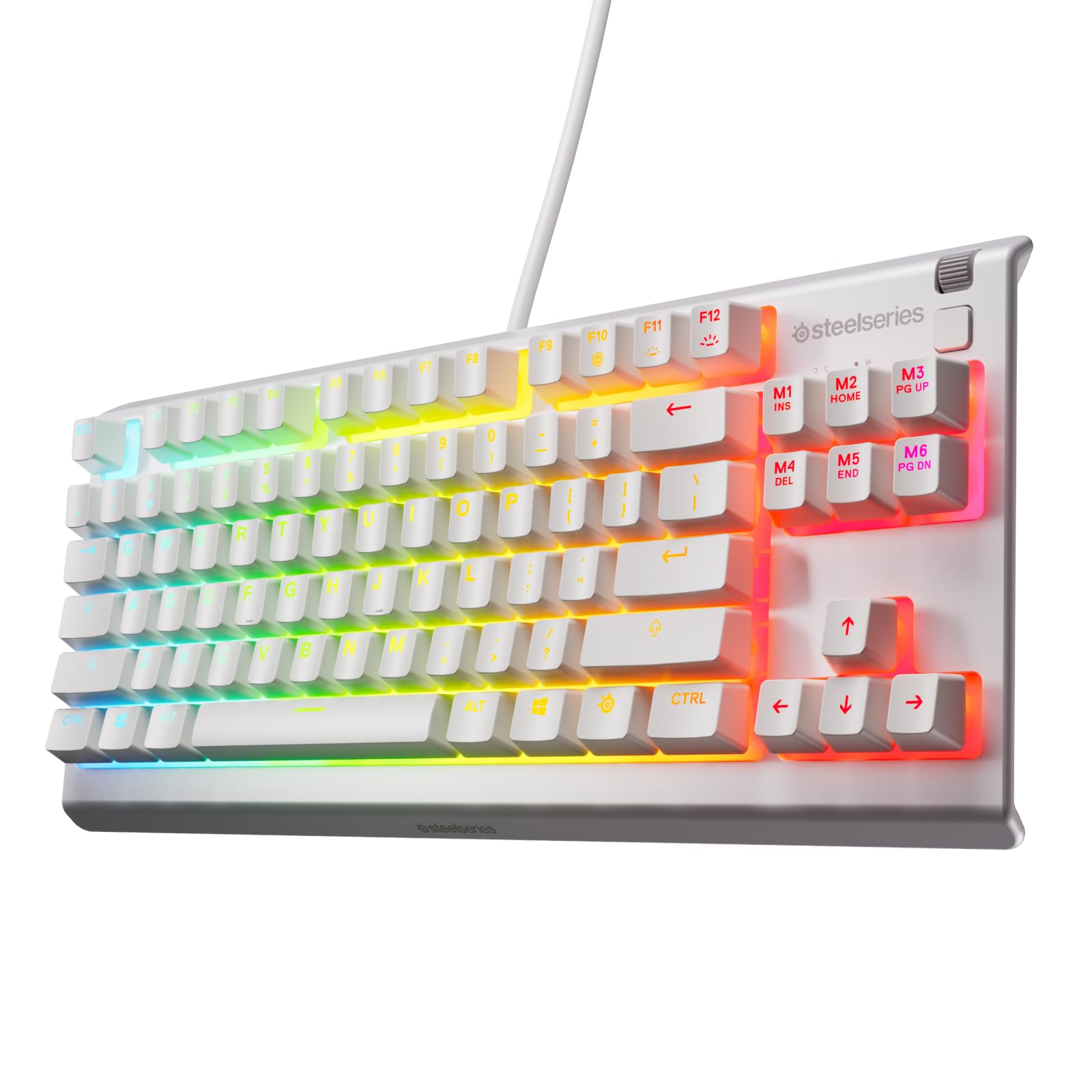
Read Amazon ReviewsSteelSeries Apex 3 TKL
Choose the Apex 3 TKL if you want a compact, quieter keyboard with the TKL layout but do not need adjustable magnetic actuation.
The Apex Pro TKL Gen 3 is the more feature-focused fit for players seeking configurable input behavior.
- The Apex 3 TKL pairs a compact tenkeyless layout with whisper-quiet switches, eight-zone RGB, anti-ghosting keys, and water and dust resistance.
- The Apex Pro TKL Gen 3 combines a tenkeyless layout with 40-level adjustable magnetic switches and Rapid Trigger and Rapid Tap features.
Is Apex Pro TKL Worth It?
The SteelSeries Apex Pro TKL Gen 3 is worth considering for players who will use adjustable magnetic actuation, Rapid Trigger, Rapid Tap, or game-specific presets.
Its OLED display and onboard configuration storage make its extensive controls easier to manage.
The strongest reason to pass is a mismatch with the layout or feature set: it has no number pad, and its configuration options may be more than a casual player needs.
If the compact layout and input tuning fit your routine, it offers a clearly gaming-focused set of controls; otherwise, a simpler keyboard may suit you better.
Your review at a glance
500+ ratings
Read Amazon ReviewsSteelSeries Apex Pro TKL Gen 3
A compact wired gaming keyboard for players who want adjustable magnetic switches and quick access to game-specific input settings.
- Tenkeyless wired gaming keyboard with USB-C connectivity.
- OmniPoint 3.0 analog magnetic Hall Effect switches.
- 40 adjustable actuation levels, spanning 0.1 mm to 4.0 mm.
- Rapid Trigger is designed to reset when a key is released.