The Phomemo M110 Label Maker Machine review is for small sellers and home users weighing a portable printer for product, address, ingredient, and organization labels.
Its phone app, label widths from 20 to 50 mm, and USB connection for PC or Mac give it a broader role than a basic handheld labeler.
Phomemo M110 Review Summary
The quick verdict
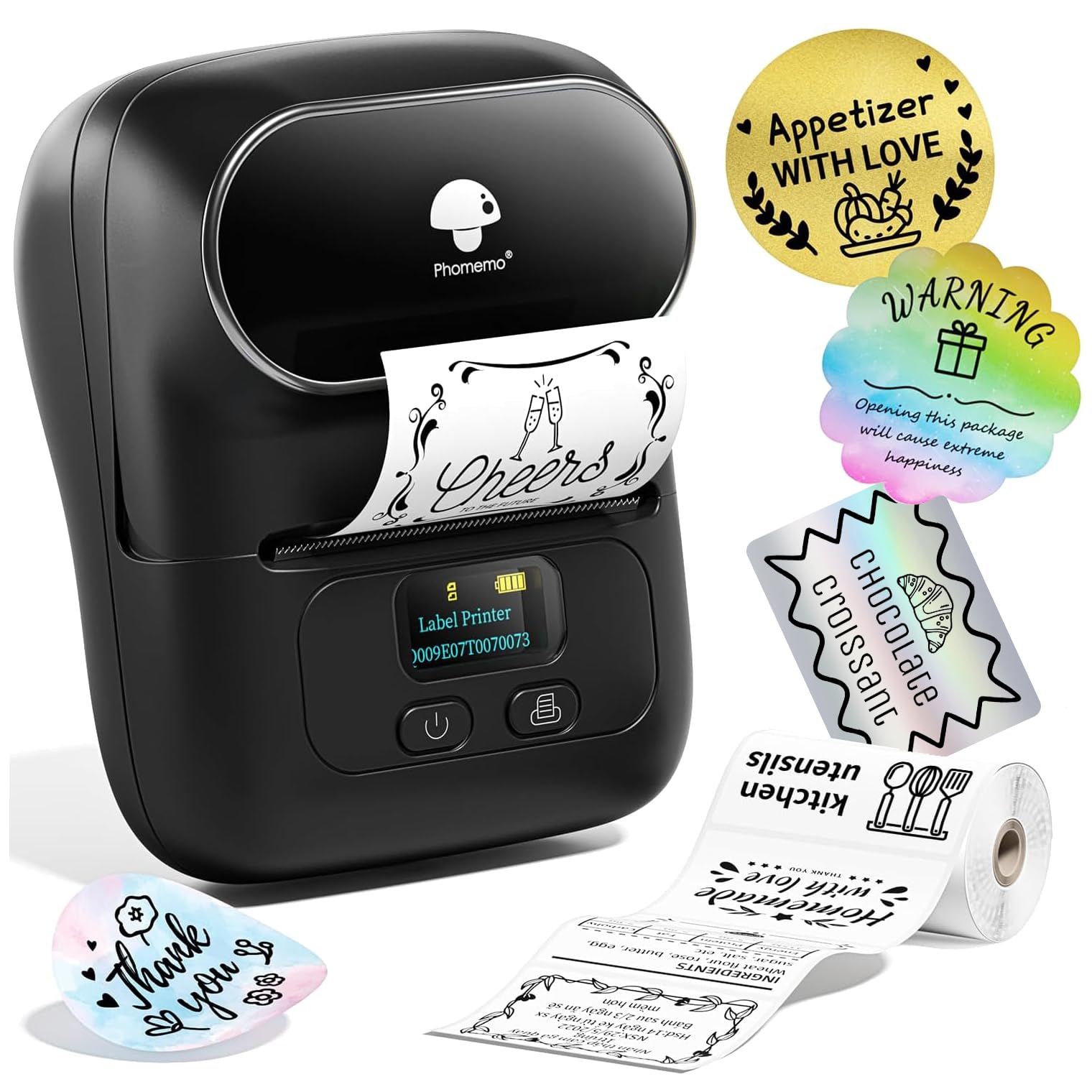
2,000+ ratings
Read Amazon ReviewsPhomemo M110 Label Maker
A compact thermal label maker for small sellers and home users who want flexible label layouts, phone-based printing, and optional computer connectivity.
- Bluetooth connection to iPhone and Android through the Print Master app.
- USB connection support for PC and Mac.
- Thermal, ink-free printing, with no ink requirement described.
- Supports label widths from 20 to 50 mm.

Pros
- Supports several useful small-label jobs, including product, barcode, price, ingredient, and address labeling.
- Bluetooth phone printing and USB computer connectivity offer two ways to prepare labels.
Consider before buying
- Its 20–50 mm label width range is suited to compact labels, so buyers needing a standard wide shipping format should choose a printer designed for that job.
- The description specifies Bluetooth for phones and USB for PC or Mac; buyers who need wireless printing from a computer should confirm that workflow before purchasing.
Read the full review summary
The Phomemo M110 is built around compact, ink-free thermal printing and a Print Master app for creating labels from a phone.
The supplied bundle includes 100 labels measuring 40 × 30 mm, while the printer supports label widths from 20 to 50 mm.
That combination makes it a practical starting point for price tags, product barcodes, ingredients, and small batches of mailing or storage labels.
Its clearest fit is a small business, craft table, or home workspace where the user values portability and label variety over a dedicated shipping-label format.
The advertised 4-hour battery life and batch-printing support suit intermittent labeling sessions; computer users should note that the description specifies USB for PC and Mac, while Bluetooth use is described for iPhone and Android.
The buying factors
Phomemo M110 Scorecard
Editorial scores reflect listed features and buyer fit; they are not laboratory measurements or customer ratings.
Label format flexibility
The 20–50 mm width range covers several compact label uses, from product details to addresses, though it is not presented as a wide-format shipping printer.
Phone-based workflow
Bluetooth printing through Print Master and a library of templates and fonts make phone-based label creation a central strength.
Small-business usefulness
Barcodes, price tags, ingredient labels, and batch printing align well with small product runs and event preparation.
Portability
The cordless design and stated 4-hour battery life support moving between work areas or preparing labels away from a desk.
Design flexibility
More than 130 fonts and 300 templates give users several starting points for different label styles and purposes.
Computer integration
USB support is included for PC and Mac, but the product description gives fewer details about the computer workflow than the phone app.
Key Features and Specifications of Phomemo M110
- Bluetooth connection to iPhone and Android through the Print Master app.
- USB connection support for PC and Mac.
- Thermal, ink-free printing, with no ink requirement described.
- Supports label widths from 20 to 50 mm.
- Includes 100 starter labels in a 40 × 30 mm size.
- The app offers more than 130 fonts and 300 templates; additional templates are available through a Print Master subscription.
- Advertised print speed is 1.2 inches per second, with batch printing for 100 or more labels and up to 4 hours of battery life.
Pros and Cons of Phomemo M110
Pros
- Supports several useful small-label jobs, including product, barcode, price, ingredient, and address labeling.
- Bluetooth phone printing and USB computer connectivity offer two ways to prepare labels.
- Thermal printing avoids the need for ink supplies.
- A starter roll and broad template selection make it easier to begin with common labeling tasks.
Consider before buying
- Its 20–50 mm label width range is suited to compact labels, so buyers needing a standard wide shipping format should choose a printer designed for that job.
- The description specifies Bluetooth for phones and USB for PC or Mac; buyers who need wireless printing from a computer should confirm that workflow before purchasing.
- Some additional app templates require a subscription, so users who want the full template selection should account for that ongoing access requirement.
Who Should Buy Phomemo M110?
Good fit
Consider the Phomemo M110 if you sell crafts, packaged foods, or other small products and want to create recurring batches of product labels, prices, ingredients, or barcodes.
Its app templates may reduce setup time for repeat designs, while the range of fonts gives room to tailor labels to different products.
It can also suit home organization or a mobile work area where a compact printer is easier to keep nearby than a larger desktop model.
The included 40 × 30 mm labels provide a ready starting size, and the printer’s wider supported range gives you options as your labeling needs change.
Before choosing it, map your label jobs to the 20–50 mm width range and check whether the supplied starter size works for your first batch.
If you plan to print from a computer, confirm that USB fits your setup and that the app’s template options meet your needs.
Who should skip it
Skip this model if your routine centers on full-size shipping labels or other formats wider than the supported 50 mm maximum. A dedicated shipping-label printer is a better match for those jobs.
It may also be a poor fit if your workflow requires wireless printing from a computer or you want access to every template without a subscription. Check those specific requirements before deciding.
How the Phomemo M110 Fits Small-Label Work
A compact width range shapes the best use
The M110’s 20–50 mm width range points toward product, address, ingredient, and organization labels rather than large parcel labels.
That range can cover a variety of small-business tasks, but buyers should compare their most common label dimensions with the printer’s supported width before settling on a workflow.
Templates help with repeat work
The Print Master app offers more than 130 fonts and 300 templates, with options aimed at familiar labeling jobs.
For a seller preparing recurring batches, starting from a template may make it easier to maintain a consistent layout; buyers who depend on a particular design should check whether it is included or requires the app subscription.
Connection method matters by device
The product is described as connecting to iPhone and Android through Bluetooth, with USB support for PC and Mac.
This gives phone-first users a direct path to printing, while computer-first buyers should confirm that a wired connection suits their workspace and software process.
Battery and batch claims describe the intended pace
The stated 4-hour battery life and support for batches of 100 or more labels suggest a device meant for focused labeling sessions, including event preparation and small production runs.
The advertised speed of 1.2 inches per second gives a sense of its intended pace, but buyers with frequent high-volume work should consider how often they will print and whether a larger work-oriented model better fits that routine.
Alternatives to Phomemo M110
Desktop Label Printers alternative
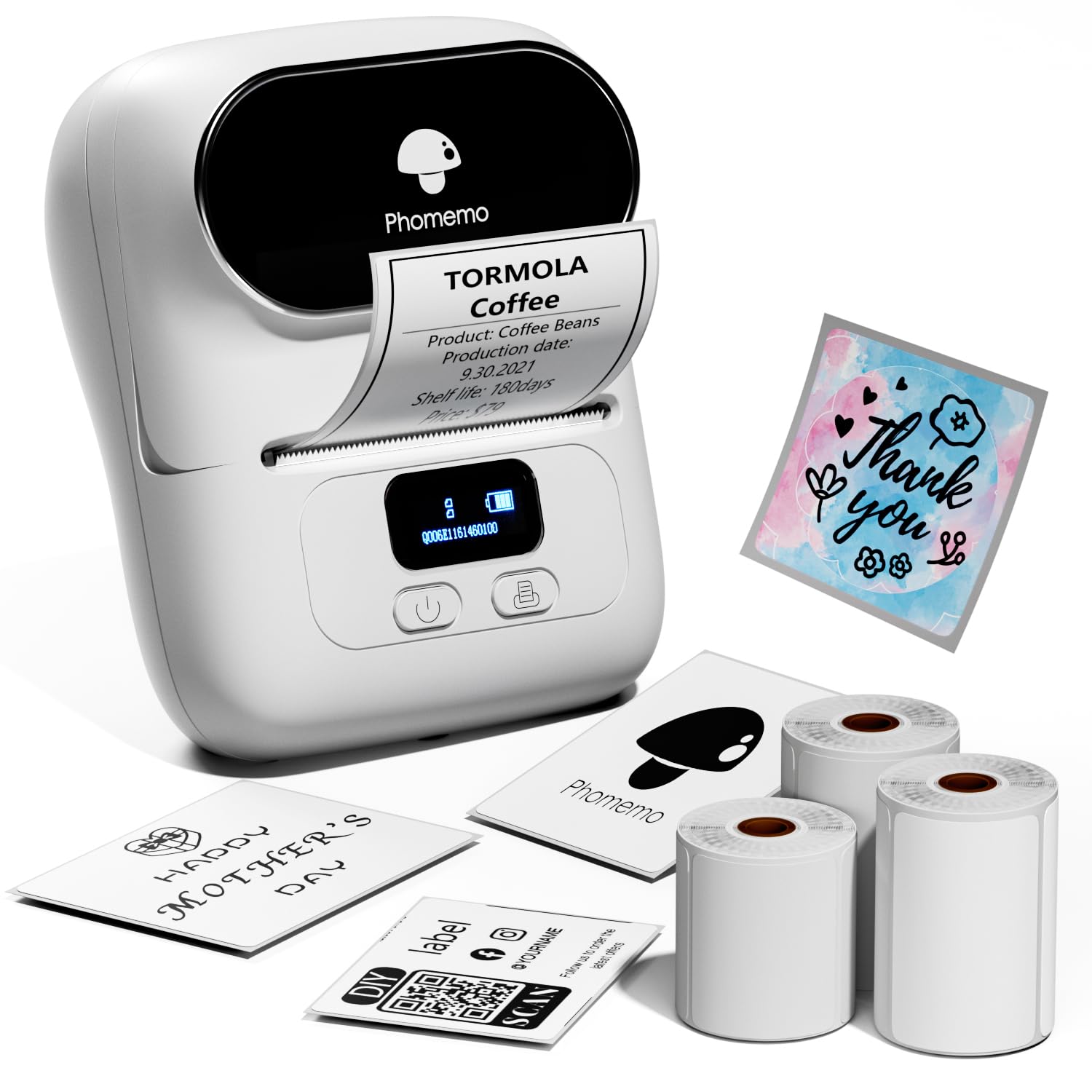
6,000+ ratings
Read Amazon ReviewsPhomemo M110 Label Maker with Three Labels
Choose this bundle if trying several starter label dimensions is more useful than receiving a single included size. The core M110 width range is similar, so the practical difference is the supplied assortment.
- This M110 bundle includes three label sizes—40 × 30 mm, 50 × 30 mm, and 50 × 80 mm—and describes Bluetooth 4.0, phone compatibility, and batch printing.
- The Phomemo M110 in this review includes 100 starter labels in one 40 × 30 mm size and supports label widths from 20 to 50 mm.
Desktop Label Printers alternative
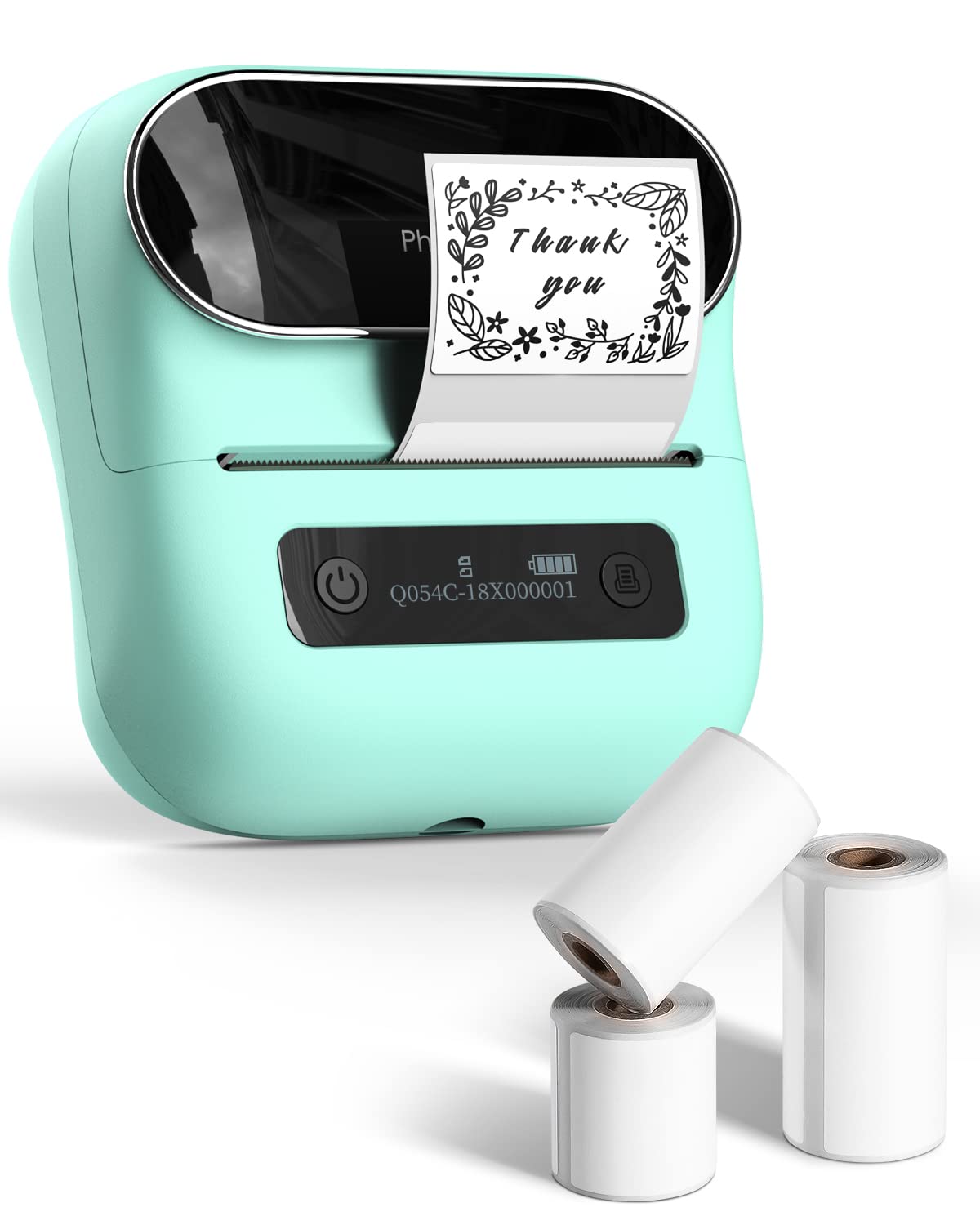
700+ ratings
Read Amazon ReviewsPhomemo M220 Label Maker
Consider the M220 if you want a wider supported label range and a more explicit computer workflow. The M110 remains a reasonable fit when its 20–50 mm range covers your labels and its compact, phone-centered setup is sufficient.
- The M220 supports widths from 0.78 to 3.14 inches, connects to phones and tablets by Bluetooth, and to computers by USB; its description also notes that it does not support 4 × 6 shipping labels.
- The Phomemo M110 supports label widths from 20 to 50 mm and is described with Bluetooth phone printing plus USB support for PC and Mac.
Is Phomemo M110 Worth It?
The Phomemo M110 Label Maker is worth considering for small sellers and home users who need compact thermal labels, a phone-based design workflow, and occasional batch printing.
Its included 40 × 30 mm starter labels, template library, and USB option give it a useful mix for everyday labeling.
Buy it when your regular label sizes fit within 20–50 mm and the phone or wired-computer workflow matches how you work.
For larger shipping formats, wireless computer printing, or full template access without a subscription, check those requirements before choosing.
Your review at a glance
2,000+ ratings
Read Amazon ReviewsPhomemo M110 Label Maker
A compact thermal label maker for small sellers and home users who want flexible label layouts, phone-based printing, and optional computer connectivity.
- Bluetooth connection to iPhone and Android through the Print Master app.
- USB connection support for PC and Mac.
- Thermal, ink-free printing, with no ink requirement described.
- Supports label widths from 20 to 50 mm.